

Shared lists
This week's groceries, gear to pack, supplies to restock: lists everyone needs to see and check off, without stepping on each other. MeeTiPi shares them live across every member of the home.
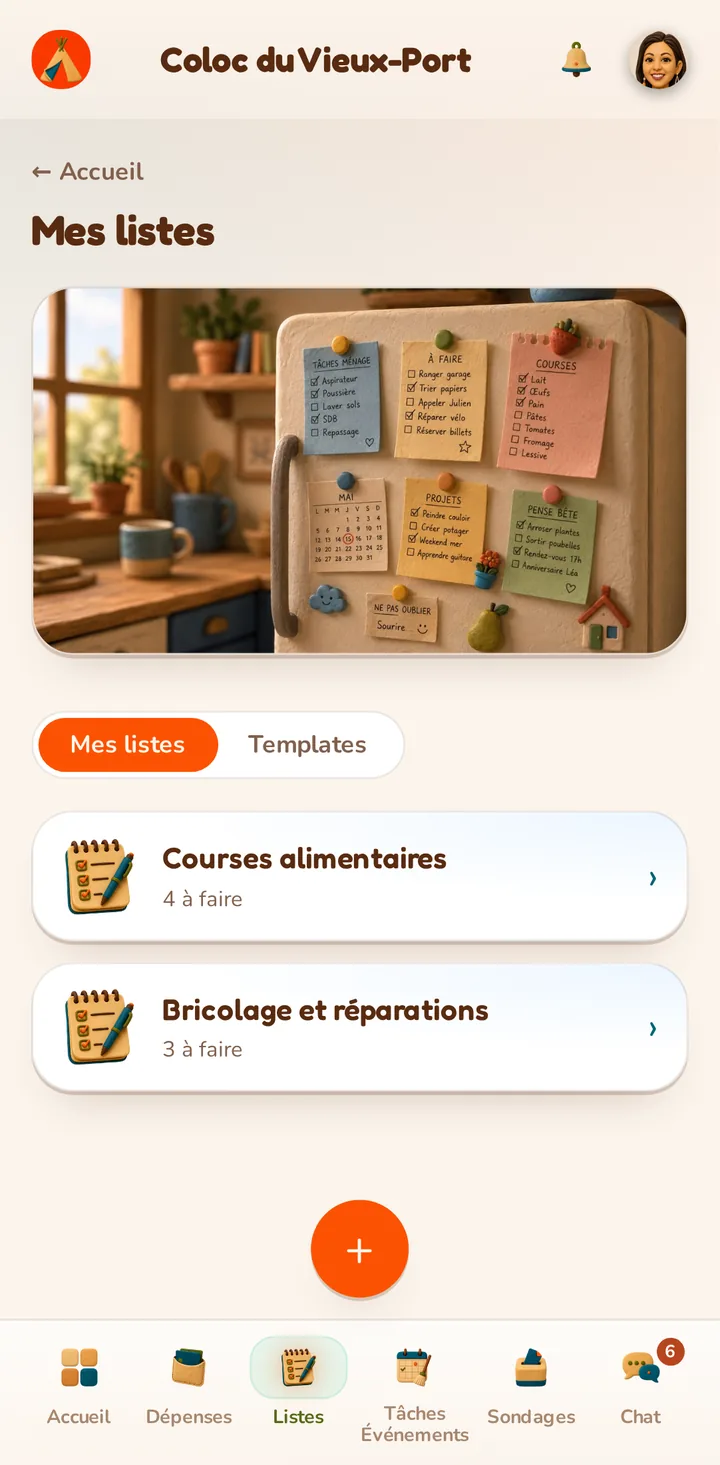
This week's groceries, gear to pack, supplies to restock: lists everyone needs to see and check off, without stepping on each other. MeeTiPi shares them live across every member of the home.
A classic list, checked off together, for a one-off need — this week's groceries, gear for a trip.

A list can be marked as a template right from creation: it isn't checked off itself, but serves as a pattern, reusable indefinitely.
A dedicated button recreates a real list from the template in one click, with the same items (all to check off) and the same shared members — the original template stays untouched.
A list can be turned into a reusable template: next week's usual grocery run is recreated in one click.