

Group chat
No more messages lost across three different apps: every home gets one single shared conversation, built for everyday life rather than a workplace inbox.
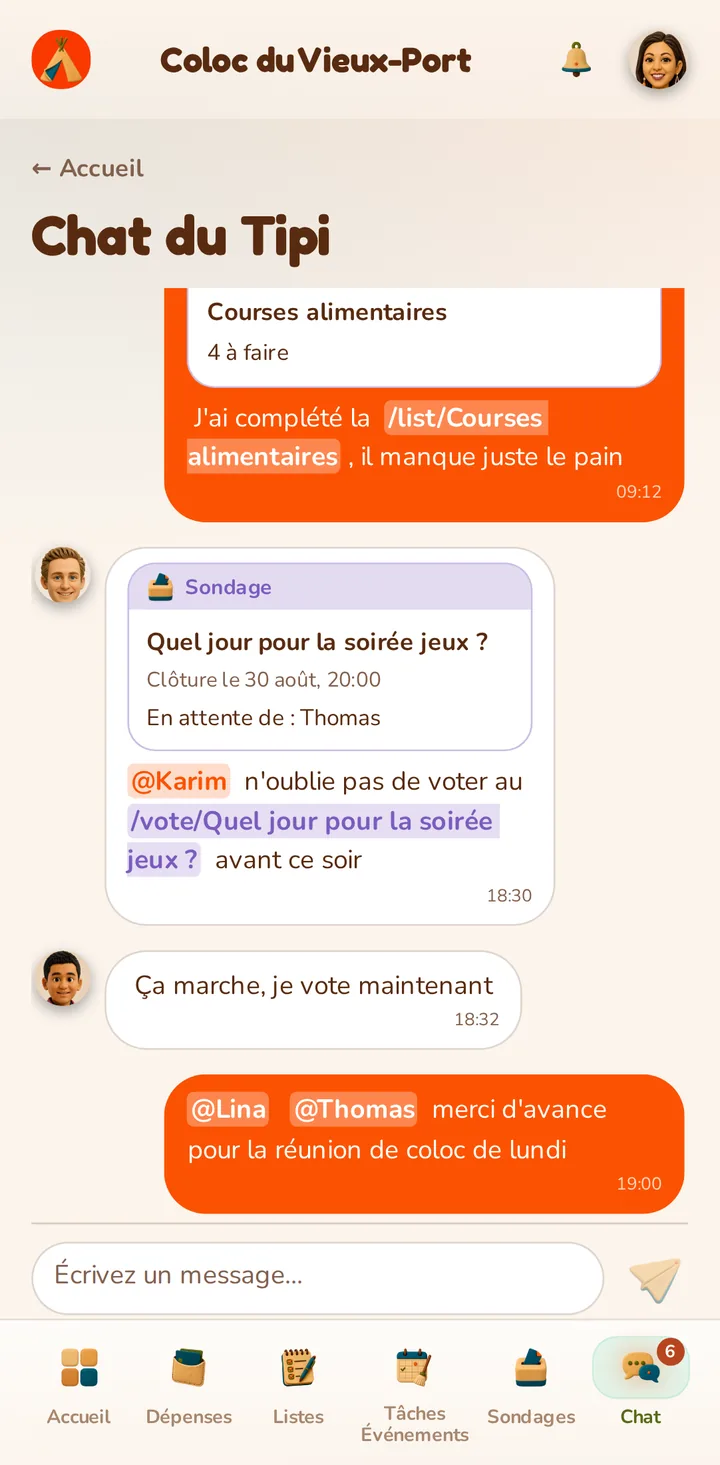
No more messages lost across three different apps: every home gets one single shared conversation, built for everyday life rather than a workplace inbox.

Type @ to bring up the home's member list; pick a name to insert it and notify them directly, even deep in a long thread.
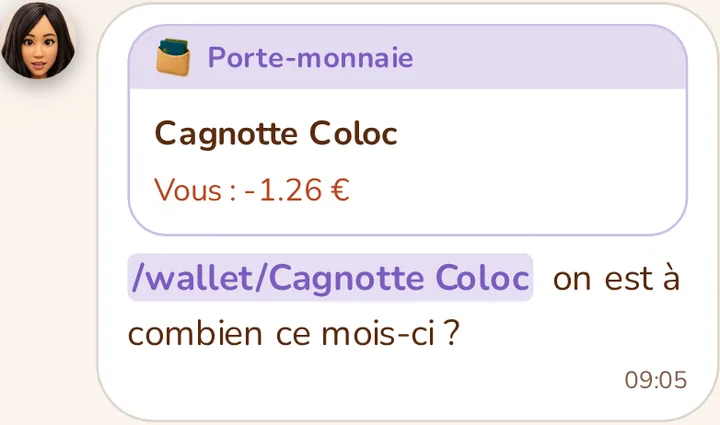
Type /wallet followed by a wallet's name to insert it: the message then shows a card with your balance in that wallet.
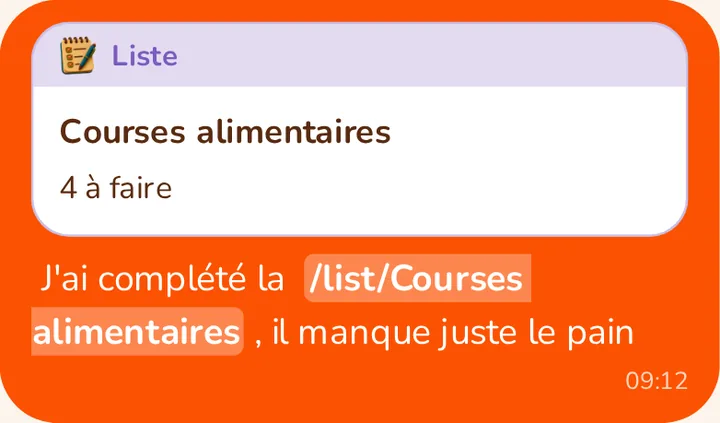
Type /list followed by a list's name to insert it: the card shown states how many items are still unchecked.
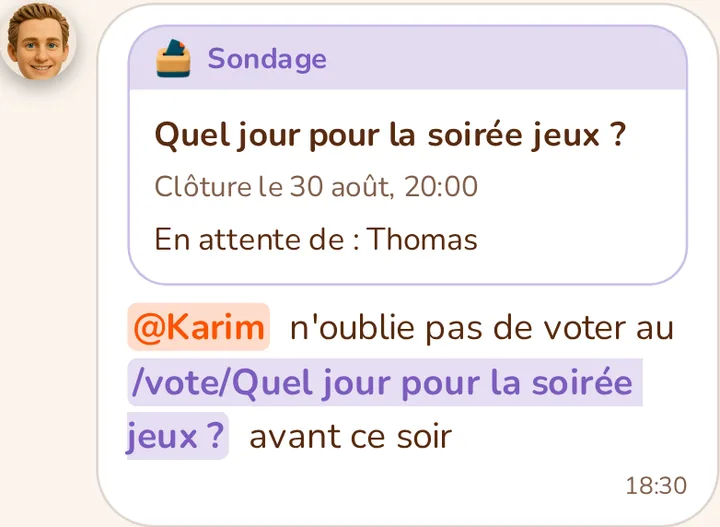
Type /vote followed by a poll's title to insert it: the card shows its closing date and who hasn't voted yet (if the poll isn't anonymous).
Any message mentioning your name triggers a dedicated notification, separate from general chat notifications — configurable on its own from your preferences.